How the Astoria Lighting app App Controls Your Permanent Holiday Lighting (A Complete Walkthrough)
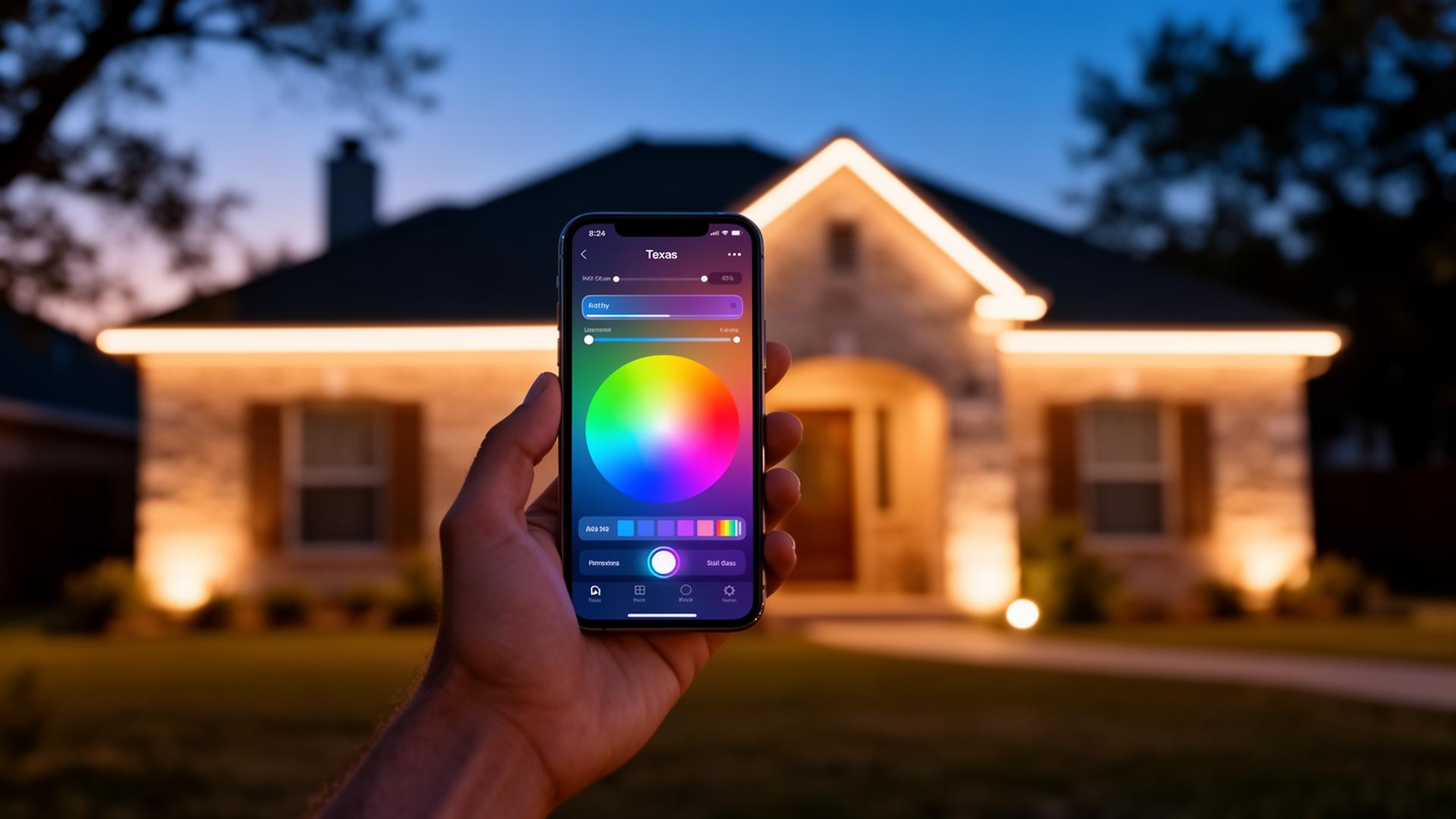
Every permanent lighting system we install runs on the free Astoria Lighting app, available on the iOS App Store and Google Play. Here's a complete walkthrough of what it does — and how to get the most out of it on day one.
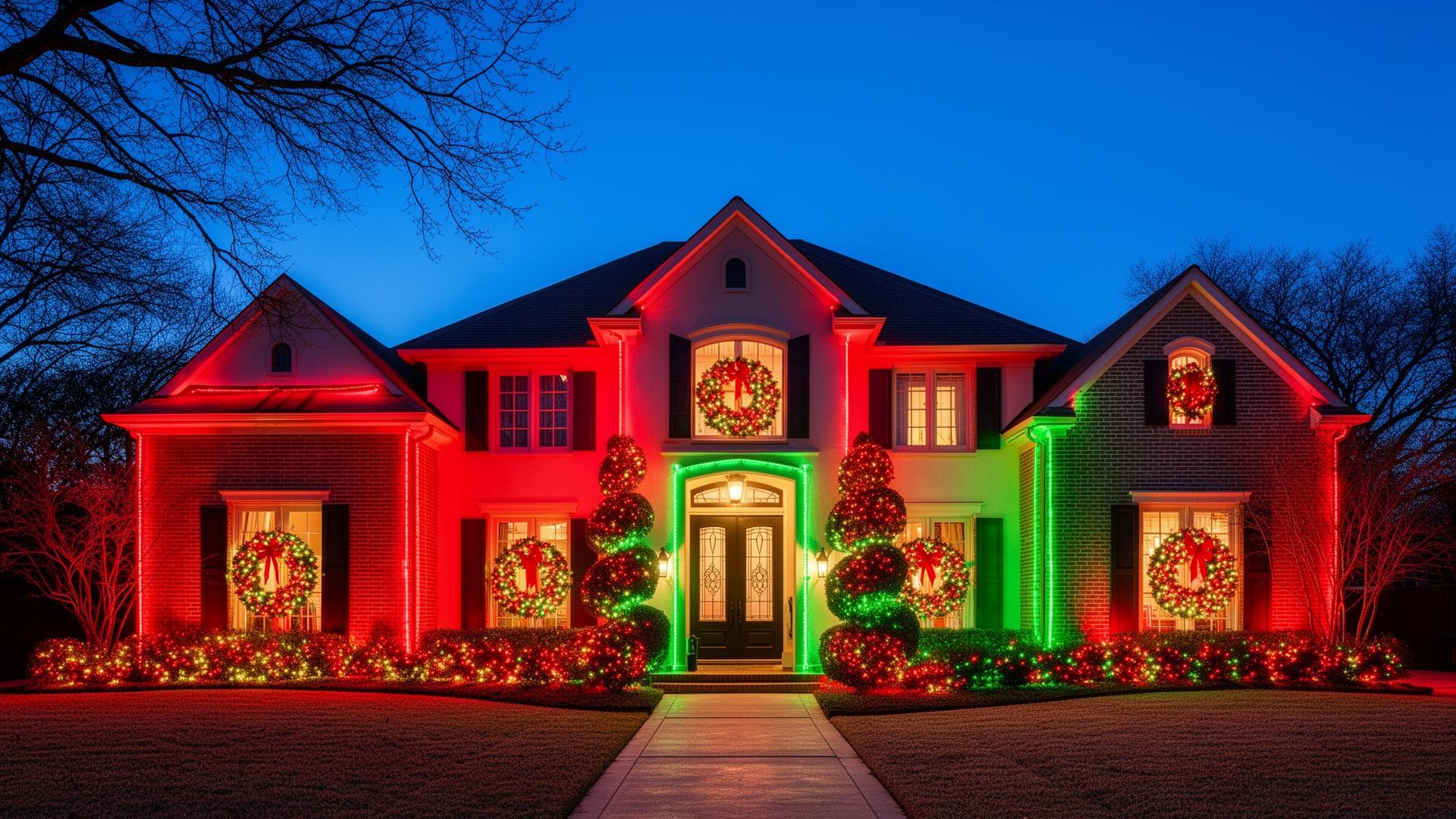
Scenes. The app ships with dozens of preset scenes — Christmas alternating, Halloween chase, July 4th patriotic, warm white year-round, Valentine's pink, game-day chases. Tap any scene to apply it instantly. Save your own custom scenes with the color picker.
Schedules. Assign any scene to any day or date. Christmas runs Dec 1 to Jan 6 automatically. Halloween orange flips on October 1. Game-day chases activate on Cowboys Sundays. The system knows what season it is.
Color picker. Pull up the color wheel and tap any of 16 million colors. Pick a hex code from your team's brand kit, save it as a scene, and assign it to a date.
Dimming. Every scene has independent brightness control. Most homeowners run warm white at 50–60% as their everyday default — bright enough to stand out from a quarter mile away, soft enough to look like a luxury landscape design.
Zones. If your install includes accent zones — landscape uplighting, garage outlines, tree lights — each zone is independently controllable. Roofline can run Christmas while the trees stay warm white.
Voice control. The app integrates with Alexa and Google Home. 'Alexa, turn on Christmas mode' works the night you install it.
Sharing. Add household members to the app so anyone can change the scene from the couch. No master password needed.