The Astoria Lighting app App Walkthrough: Every Feature, Every Tap
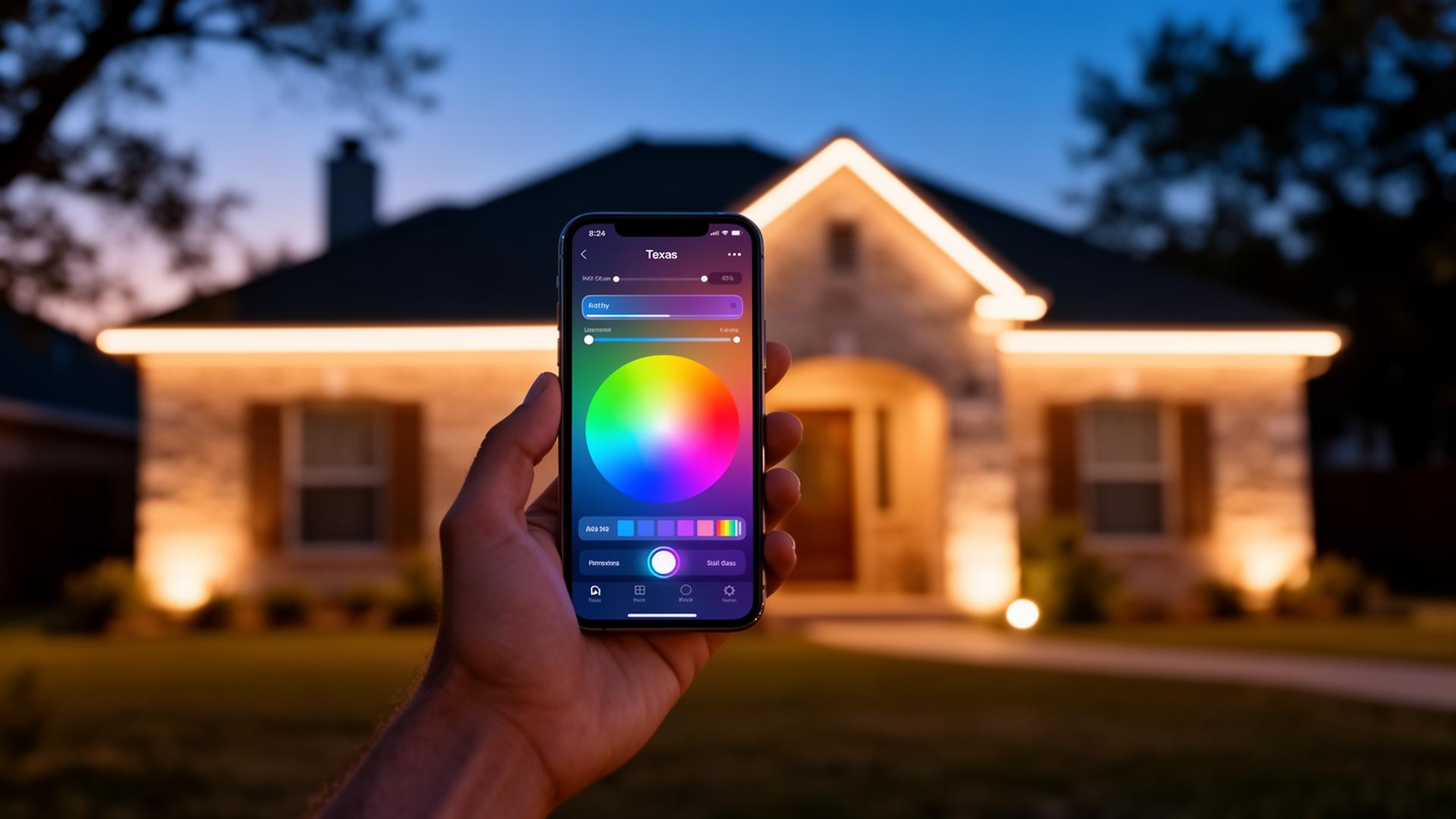
Your permanent lighting system is only as good as the app that controls it. The Astoria Lighting app is iOS and Android, free for life, and built specifically for our color-changing LED controllers. Here's every screen you'll actually use.
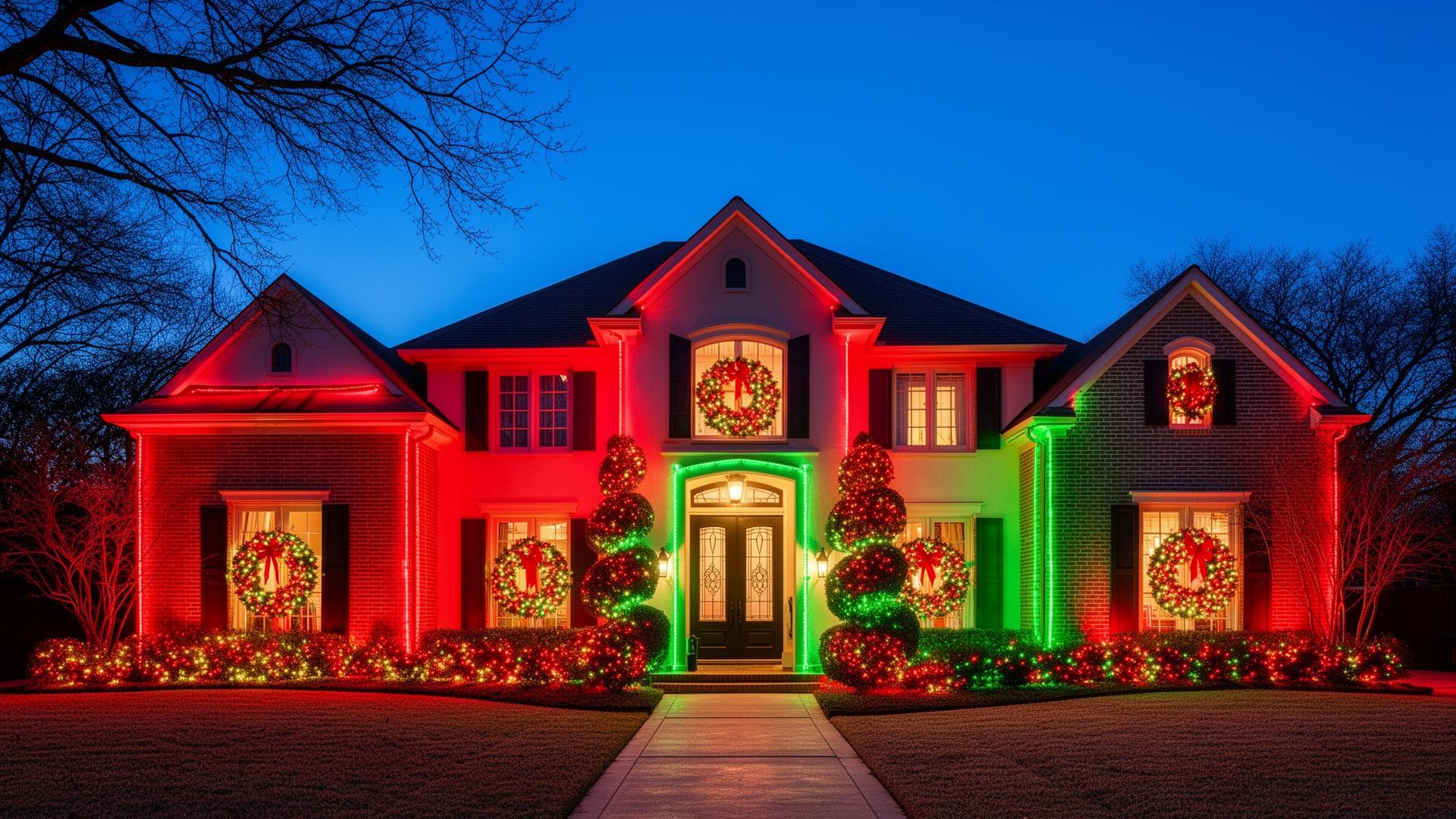
Home tab: one-tap on/off, brightness slider, and your saved scenes (Warm White, Christmas, Halloween, Game Day, Birthday). Most days you'll never go past this screen.
Scenes tab: 40+ pre-built scenes plus unlimited custom scenes. Tap and hold to edit colors, animation speed, and dimming.
Schedule tab: set sunset-on/sunrise-off automatically (no more guessing daylight savings), or schedule each holiday a year in advance — your lights will flip to Halloween at sundown October 1 and back to warm white on November 1 without you doing anything.
Zones tab: split your house into independent sections (front roofline, garage, trees, patio). Run Christmas on the front and warm white on the back. Most installs ship with 2–4 zones; custom installs can have 8+.
Color tab: 16-million-color picker with hex code input. Save brand colors, school colors, or your wedding palette.
Voice control: works with Alexa, Google Home, and Siri Shortcuts. 'Alexa, set the house to Christmas' is the most-used command we hear from customers.
Hidden settings worth knowing: per-zone power limits (cap brightness at 70% on the back patio so it doesn't blast bedrooms), guest access (share control with a spouse without sharing your password), and vacation mode (random dimming and shutoff to look lived-in).
Need help? Our /how-to-use guide walks through first-day setup, and our service request form gets a tech to your door for any controller issue.